
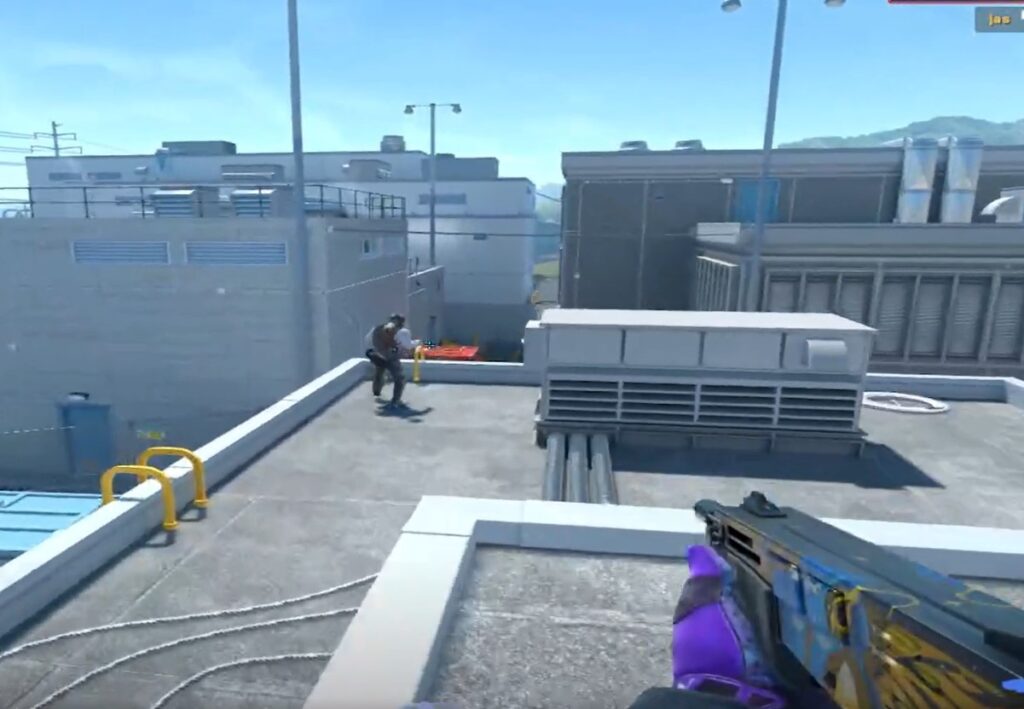
Players have discovered that they can produce meowing sounds after each shot, thanks to dataminers who found these sounds in the game files.
To add the meow effect, follow these steps:
- Enter the command
alias SOUNDcat01 "play sounds\ambient\animal\cat_01;"in the console. - Then, bind this command to a convenient key, for example, using
bind "H" "SOUNDcat01"(where H can be replaced with any key you prefer).
It’s important to note that the meowing sounds will only be heard on your PC, so opponents will not hear the cat. There is a possibility that Valve may remove this feature in one of the upcoming updates.

More Stories
Wizards of the Coast unveils a first look at Exodus combat and exploration gameplay
A Cyberpunk 2077-based card game raised nearly $8 million on Kickstarter within just a few hours
Resident Evil Requiem sets record-breaking sales pace for Capcom